
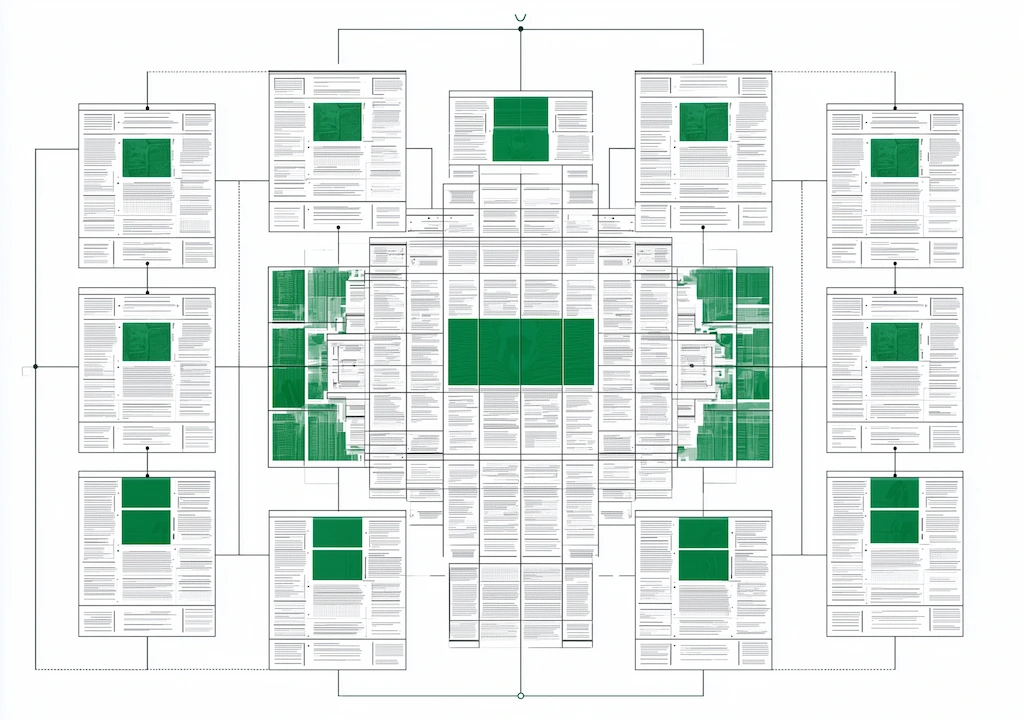

What you will learn in this article
- What a PMax asset group is and how Google uses it to generate ads across all channels
- How to structure asset groups by theme to maximise Performance Max reach without losing relevance
- How many headlines, descriptions, and images to include — and the copywriting logic behind each
- The role of video in PMax asset groups and why auto-generated videos should be avoided
- How to use audience signals to speed up the learning phase of each asset group
- The most common structural mistakes that limit Performance Max reach
When it comes to PMax asset groups, Google's documentation covers the basics: how many assets to upload, which formats, character limits. What it does not explain is how to think about structuring Performance Max asset groups — the logic behind maximising Performance Max reach without giving up ad relevance.
A poorly structured asset group does not appear as an explicit error in the Google Ads interface. It shows up in the numbers: lower impression share, an unstable CPA, asset ratings stuck on "Low" for no clear reason. Poorly built groups hold back even well-funded google ads campaigns — the damage is gradual and easy to miss in standard reports.
A well-built asset group, on the other hand, gives the algorithm the signal clarity it needs to work effectively across all placements. This article analyses how to structure Google Ads asset groups for PMax — starting from official sources and flagging where direct experience on real accounts adds or corrects what the algorithm's black box lets through.
What Asset Groups Are and How Google Uses Them
Performance Max is a campaign type that spans all Google surfaces simultaneously — Search, Display, YouTube, Gmail, Maps, and Discover. Unlike search ads, which activate on specific keywords typed by the user, PMax asset groups run across all surfaces at once. The system picks which combination to show based on the user's context signals and the estimated probability of conversion. And unlike traditional ad groups in Search or Display campaigns, asset groups do not control bidding or targeting directly — they define the creative input the algorithm draws from.
What the documentation does not clarify is the selection mechanism between different asset groups in the same campaign. When multiple asset groups exist, Google picks which one to enter into each auction based on the match between the query context and the asset group's content — but the exact criteria for that selection are not public.
How to Structure Performance Max Asset Groups by Theme
The core rule — confirmed by Google and by direct experience — is to create one asset group per theme, not a single asset group for the whole campaign. Unlike a search campaign, where keywords map directly to intent, PMax asset group themes are about creative and signal coherence — each group based on a specific product, service, or audience gives the algorithm the clarity it needs to choose the right assets for the right context.
Google defines the theme as a grouping by product, category, or audience. In practice, the right level of detail depends on the business type:
- E-commerce: one PMax asset group per product category (e.g. men's shoes, women's shoes, accessories), with images, headlines, and final URLs aligned to that category. For accounts with a product feed already linked to Merchant Center, the asset group theme should mirror the feed's category structure. Do not mix categories in the same asset group even if the products are related.
- Lead generation: one asset group per service or target customer type (e.g. SMEs, large enterprises, individuals). The message and angle differ significantly between these segments — a single asset group dilutes relevance across all of them.
- Local / multi-location: one asset group per main geographic area, with headlines and images that reference the location. This lets the algorithm match ads more precisely to queries with local intent.
How many asset groups to create? Google does not specify an optimal number. From experience, creating more than 5–6 asset groups in campaigns with a budget below €5,000/month almost always spreads impressions too thin without real reach gains. The algorithm needs data to optimise each asset group — too many groups with low volume stay in a permanent learning phase.
Headlines and Descriptions: How Many, How, and With What Logic
That recommendation is correct — but incomplete. Filling slots with 15 random headlines does not improve performance. Google penalises headlines that are redundant or too similar to each other, and the asset group's quality score suffers. The right logic is not about quantity — it is about covering distinct communication angles.
From experience on real accounts, the most effective asset group headlines cover these five distinct areas:
- Core benefit — what the user gets ("Save up to 40%", "Delivered in 24 hours")
- Problem the product solves — pain-point framing ("Tired of losing customers online?")
- Proof and credibility — numbers, years of experience, reviews ("Over 10,000 satisfied customers")
- Urgency or scarcity — action triggers ("Offer valid until 31 May")
- Product or category keyword — headlines that mirror the query ("Men's running shoes", "SME management software")
For descriptions, the same logic applies over longer copy: avoid repeating the headline in the description (Google flags this as redundancy) and add details that complete the headline — not paraphrase it. One detail often skipped at this stage: the final URL should point to a landing page that is tightly relevant to the asset group's theme — sending all groups to the homepage dilutes the relevance signal the algorithm uses to optimise.
PMax Asset Group Images and Video: Formats, Quality, and What Google Does Not Say
The documentation covers technical requirements precisely. It does not explain how images are selected across placements, or what impact visual quality has on the overall asset group's performance.
What hands-on experience shows about images: uploading all 20 available slots does not equal maximising reach. Google penalises asset groups with uneven image quality — a single low-quality image (poor resolution, cluttered composition, excessive overlaid text) can pull down the average rating of the entire group.
The practical rule: 8 excellent images beat 20 mixed-quality ones.
On formats, the portrait 4:5 ratio is frequently overlooked by advertisers — but it is the one that covers the best-performing mobile placements on Display and YouTube Shorts. Not uploading it means excluding yourself from a meaningful slice of mobile inventory without realising it.
Performance Max asset group video: the risk of auto-generated videos
The Performance Max asset group video is where the gap between documentation and real-world practice is widest. Google states that video is not mandatory: if you do not provide one, the system automatically generates a video from the other assets in the group.
What Google does not emphasise is that auto-generated videos almost always fall short of the quality needed to represent a brand professionally. On YouTube and Display video placements, these videos can create a negative brand impression — damaging awareness metrics that do not appear directly in the Google Ads conversion report.
Audience Signals in Asset Groups: How to Use Them to Speed Up Reach
This distinction is key and often misread. Audience signals do not limit asset group reach — they accelerate it. Providing relevant signals lets the algorithm reach stable performance faster than an asset group with no signals, where the system starts from zero in the exploration phase.
The most effective audience signals for speeding up reach, from direct experience:
- Customer Match (existing customer list): the most powerful signal available. A list of real customers with verified emails tells the algorithm who has already converted — the ideal starting point for finding similar high-probability audiences. Works best with lists of at least 1,000 matched users updated within the last 90 days. Customer Match lists built from customers with the highest return on ad spend make the strongest starting signal of all.
- Visitors of high-intent specific pages: people who visited the product page, comparison tool, or cart without completing the purchase. This is a far more precise intent signal than Google's generic in-market audiences.
- Custom audiences based on keywords: built in the audience library by listing the keywords your ideal customer searches for. More specific than predefined in-market segments — they give the algorithm a sharper intent context.
The least effective signals — but the most commonly used — are generic demographic segments (e.g. "Men 25–54") and Google's in-market audiences for broad categories. These are already known to the algorithm and add no new information beyond what PMax would discover on its own within a few weeks.
A data driven approach to audience signals means relying on first-party data — customer lists, site visitor segments — rather than Google's default demographic buckets. The difference in learning speed between a google ads account that uses Customer Match signals and one that uses only generic demographics is consistently 2–3 weeks of stable performance reached earlier.
A common mistake: identical audience signals across all asset groups
When a PMax campaign has multiple asset groups, a frequent mistake is attaching the same audience signals to every group. This cancels out the thematic differentiation the asset group structure is meant to create: if the algorithm receives the same starting signal from all groups, it has no information to decide which one to activate in which context.
The correct approach is to build asset groups based on theme-specific audience signals. The "women's shoes" PMax asset group should use visitors of the women's shoes section of the site as its signal — not the generic all-visitors audience. This alignment between the asset group's theme and its audience signals is one of the strongest factors shaping differentiated reach across different placements.
Equally, setting negative keywords at campaign level to exclude irrelevant queries preserves the thematic focus of each asset group and prevents budget from spreading across unrelated searches.
PMax Asset Group Specs at a Glance
| Asset type | Limit | Key specs | Practical note |
|---|---|---|---|
| Asset group headlines | Up to 15 | Max 30 characters each | Cover 5 distinct angles — avoid redundancy |
| Descriptions | Up to 5 | Max 90 characters each | Complete the headline — do not repeat it |
| PMax asset group images | Up to 20 | Landscape 1.91:1, Square 1:1, Portrait 4:5 | 8 excellent images beat 20 mixed ones |
| Performance Max asset group video | Up to 5 | Min 1 recommended; horizontal preferred | Always provide your own — avoid auto-generation |
| Logo | Up to 5 | Square 1:1 and landscape 4:1 | High-contrast version performs best on dark placements |
FAQ: PMax Asset Groups
How do you structure Performance Max asset groups for maximum reach?
How many headlines should a Performance Max asset group have?
Is video mandatory in PMax asset groups?
How many images should I upload to a PMax asset group?
Do audience signals improve PMax asset group reach?
How do I tell if a PMax asset group is performing well?
All articles
See all →Related articles
 Campaigns
PMax e-commerce: product feed structure guide
Performance Max e-commerce: how to structure the PMax product feed to maximise conversions. Attributes, titles, custom labels and advice from real Google Merchant Center account experience.
 Campaigns
How to Create a Performance Max Campaign: My 14-Day Setup
How to create a performance max campaign from scratch: the exact 14-day sequence I follow, the minimum assets I load, and the setup errors I keep seeing.
 Campaigns
Performance Max Campaign Structure Ecommerce: How I Build It
Performance Max campaign structure ecommerce, by inference: how I split by margin and category, what I merge, and the choices that decide scaling.
 Campaigns
PMax Product Group Strategy: How I Segment the Catalog
My pmax product group strategy: how I segment the catalog so budget follows the products that convert, and the reasoning behind every listing group.